
Never lose an inspection to a dead zone
Ask any inspector about lost work and you’ll hear a story. A report that wouldn’t sync. A camera roll that came back empty. A second trip up a roof.
“I’ve had to get back onto roofs and re-inspect.”
“Every inspection was a panic like I lost all of my work.”
Both are from app store reviews of inspection software. Most of these problems come from apps that need a connection to save.
Save to the phone first
The fix is simple to describe: every rating, note and photo should land on the phone before anything else happens. Uploading is a separate job that runs when signal comes back. If the app crashes, you reopen it on the same item with nothing missing.
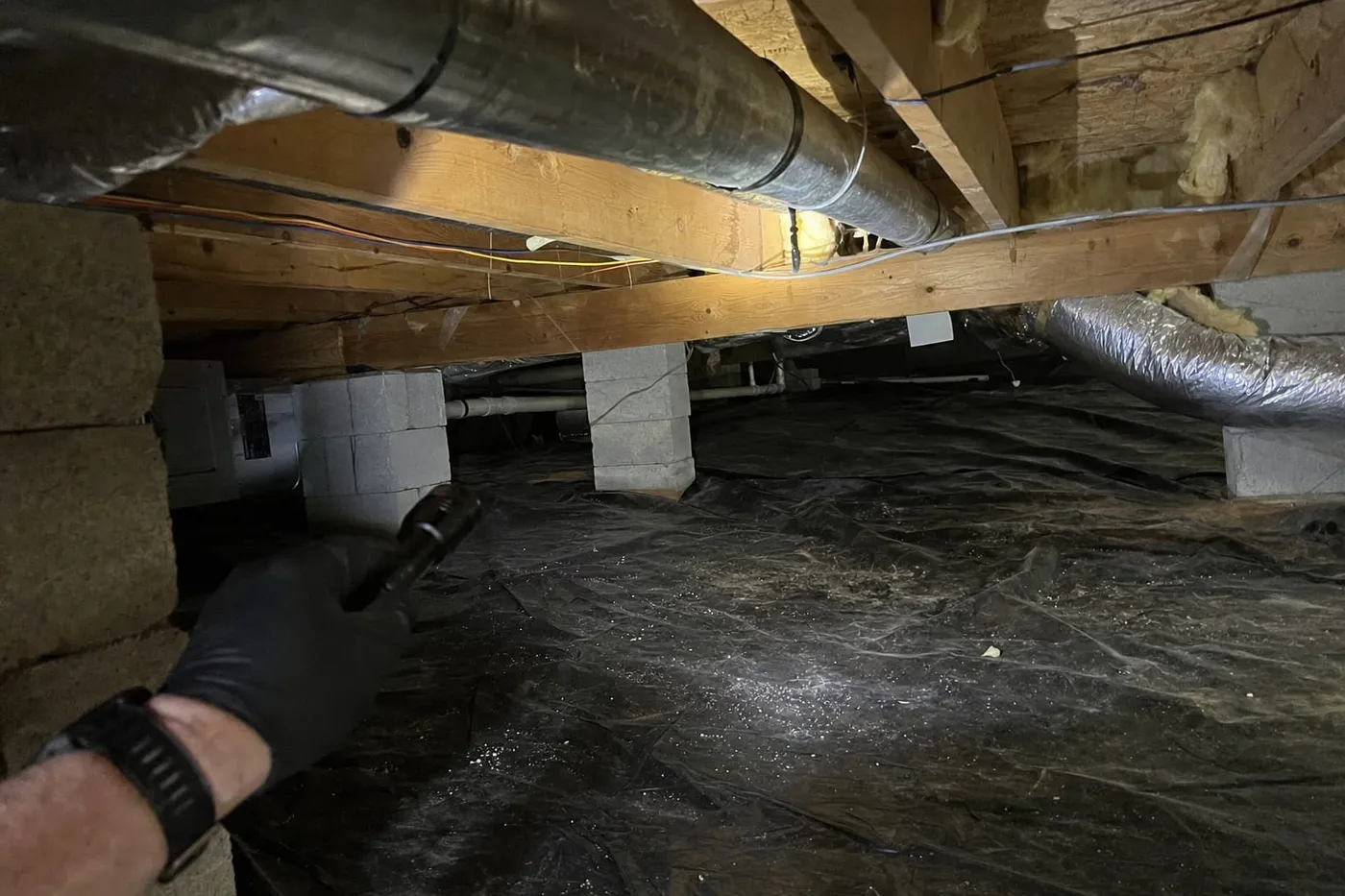
That’s how Raftmark works. Open the report while you still have signal, then rate a whole crawlspace with your phone in airplane mode.
Watch the sync state, not the signal bars
Signal bars tell you about the network. They don’t tell you whether your photos made it. In Raftmark, the icon at the top of the report tells you where your work is:
- Offline, 12 waiting: your changes are safe on the device
- Syncing 12: uploads are running
- All synced: every photo and note is on the server
Before you leave the driveway
- Wait for All synced.
- Open the Review screen. It lists unrated items and any drafts you haven’t approved.
- Publish. Your client and their agent get the report while you’re still parked.
If you’re heading to a second job in another dead zone, that’s fine. Your work stays on the phone until it can upload, and nothing gets lost in between.
Voice notes work offline too
Tap Dictate in a basement and talk. The recording saves on the phone. Raftmark drafts the finding as soon as you’re back online, usually before you’ve packed up the ladder.